
Contents
The brief
Venuarsts.lv is the medical website with an online store of vein doctor Juris Rīts; CREATING.LV carried out its web design and programming, and the project was handed over in 2026. The doctor needed one clear platform on which patients easily find information about services, prices and consultations and book an appointment without unnecessary back-and-forth.
Dr Juris Rīts saw patients and also made home visits, so the website had to organise information about where and how a consultation can be received. The doctor also offers compression stockings, so the site needed an online store with clear information about sizes and classes.
Our role
CREATING.LV carried out both the web design and the programming: we created a custom design for the medical field and a WordPress website with a WooCommerce online store for compression stockings. We prepared the online store for connecting payment and delivery services, and connected the booking form to the WordPress admin and email. This way the informational content, appointment booking and the online store are on one site.
Project views
 — enlarge image
Home page design 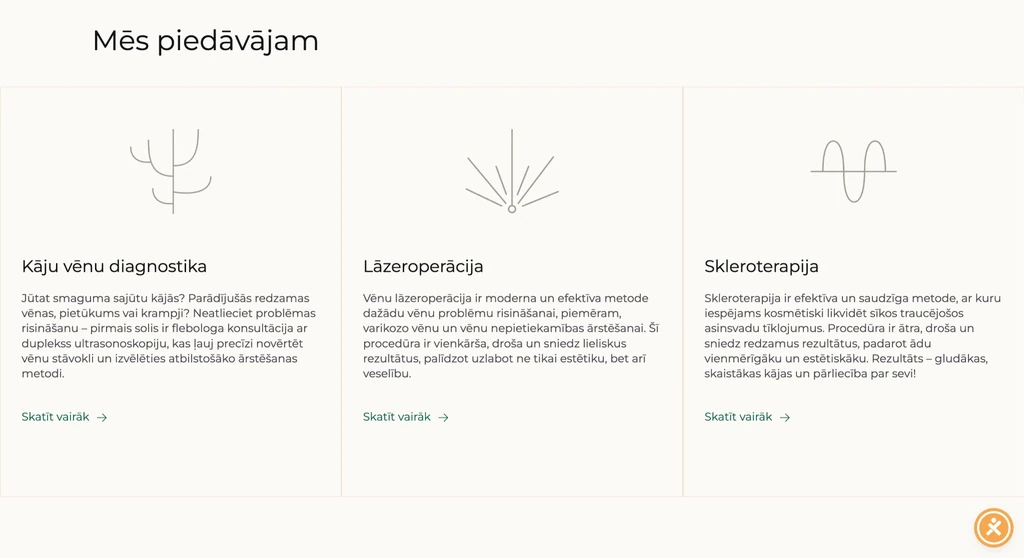 — enlarge image
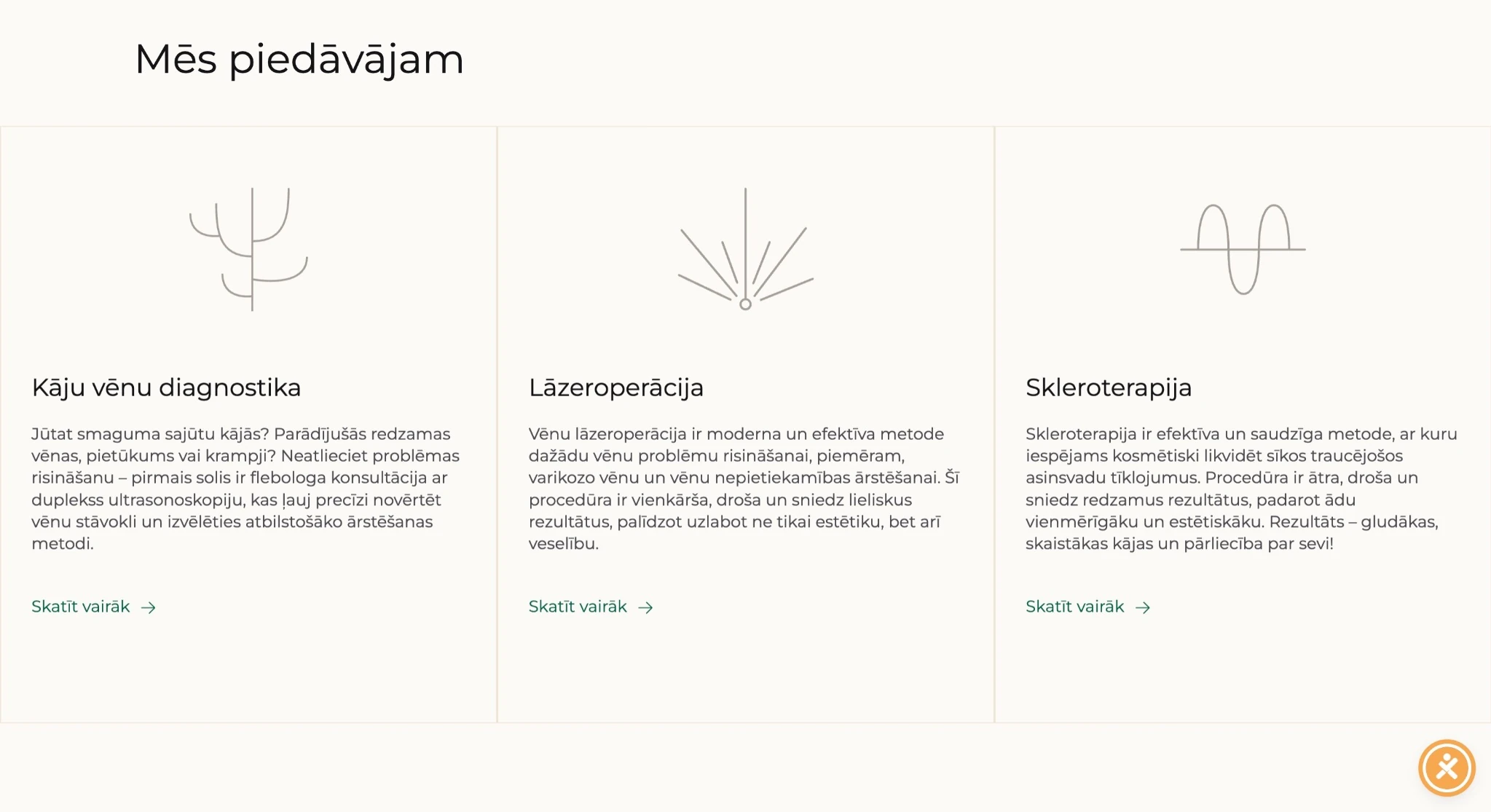
Services overview 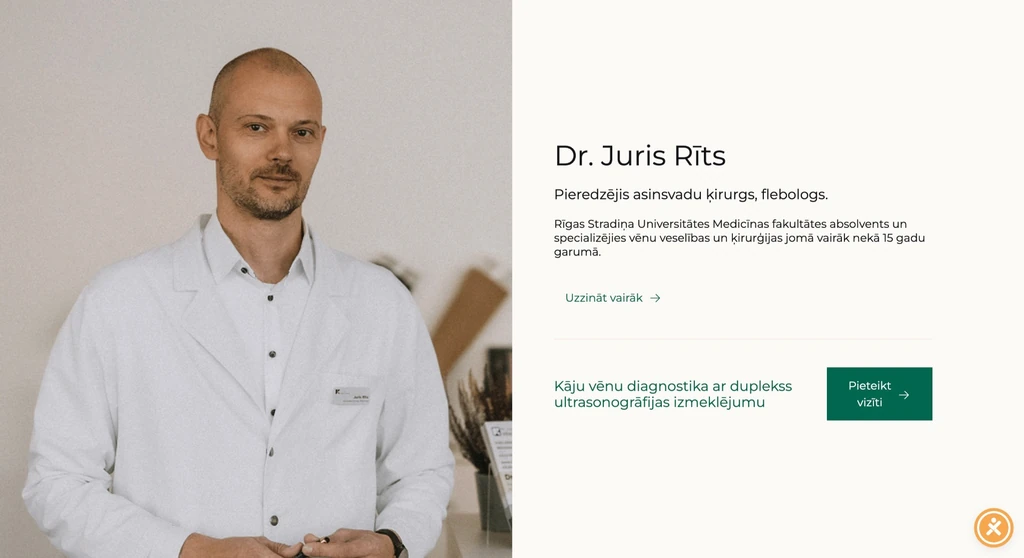 — enlarge image
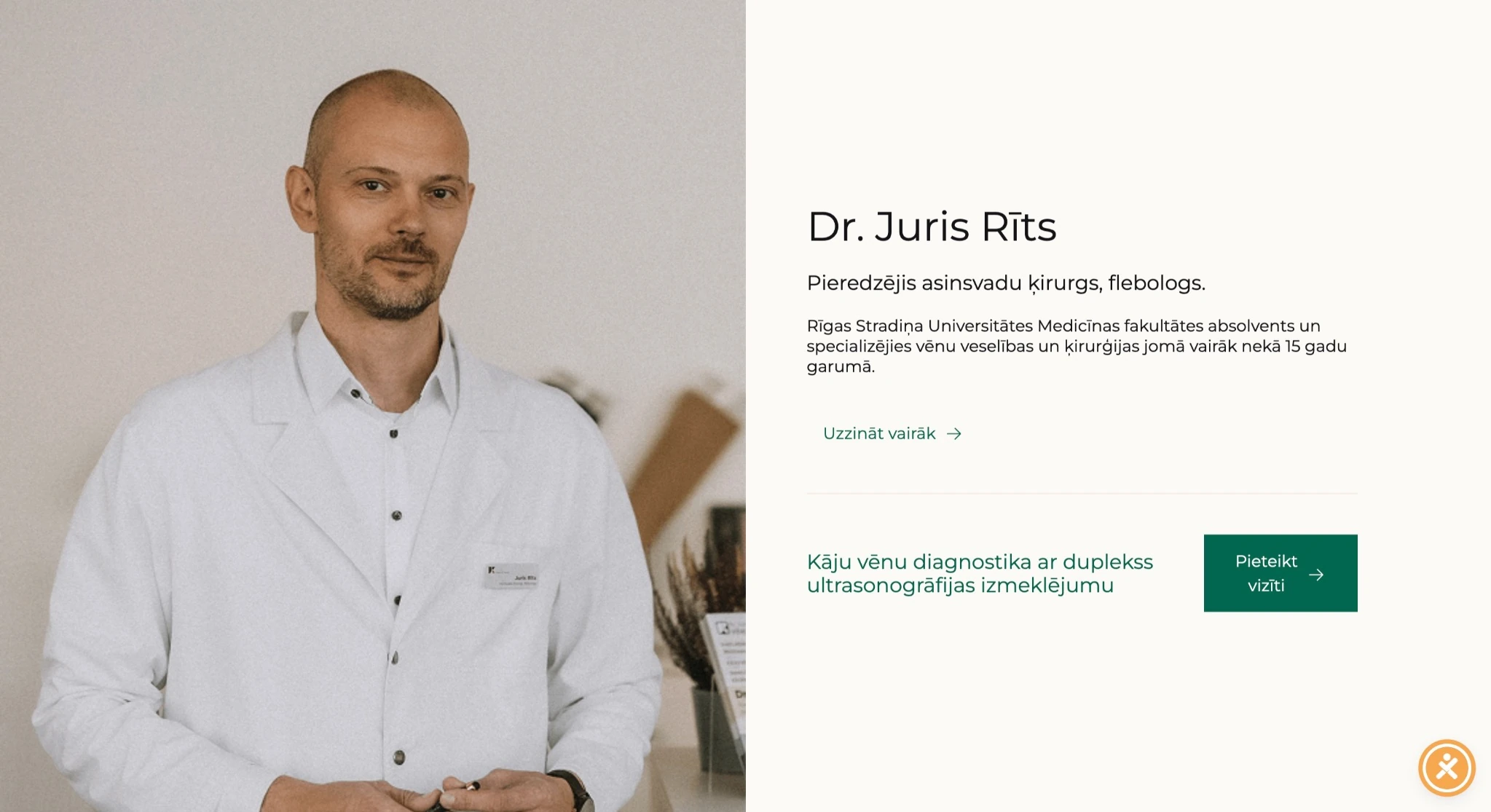
Presenting the doctor 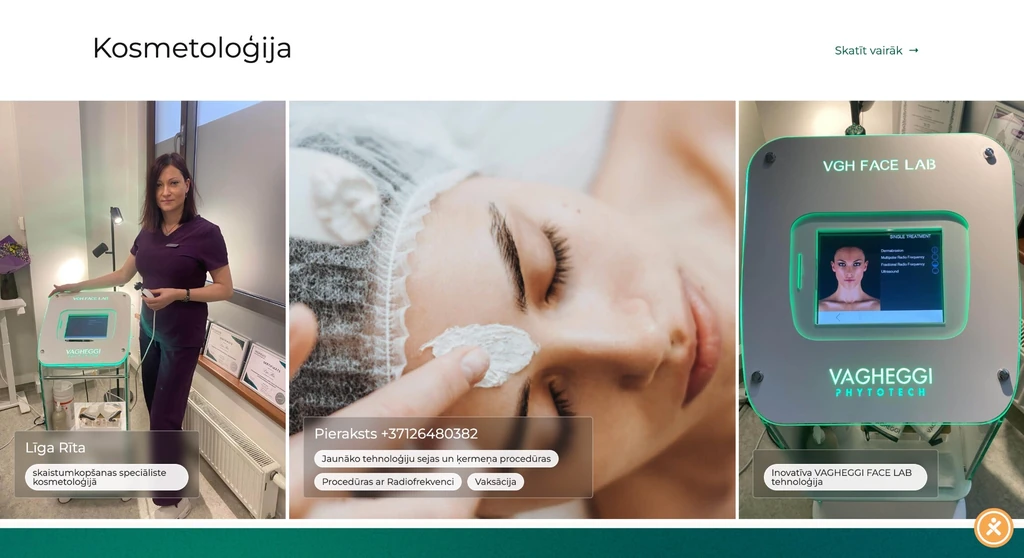 — enlarge image
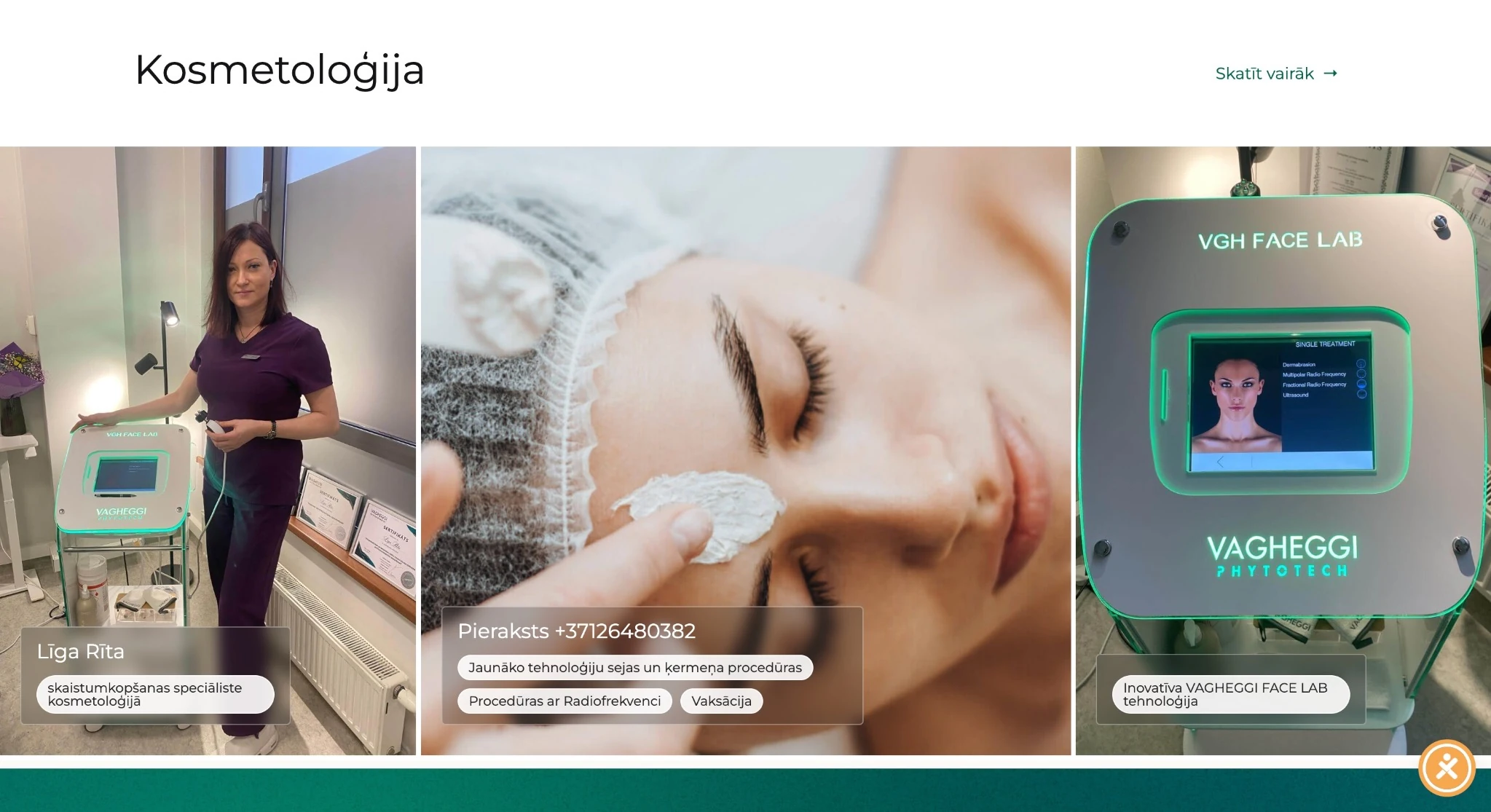
Cosmetology section 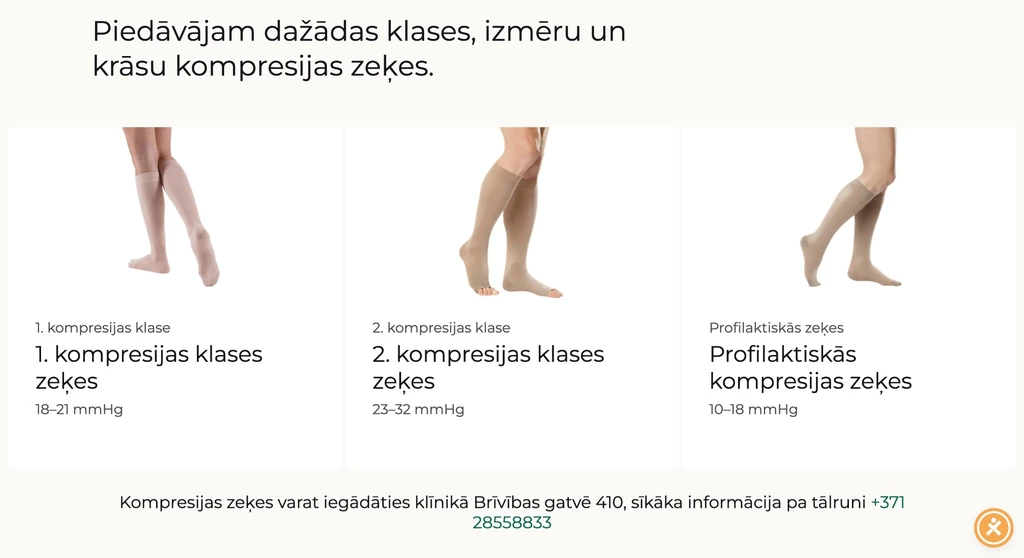 — enlarge image
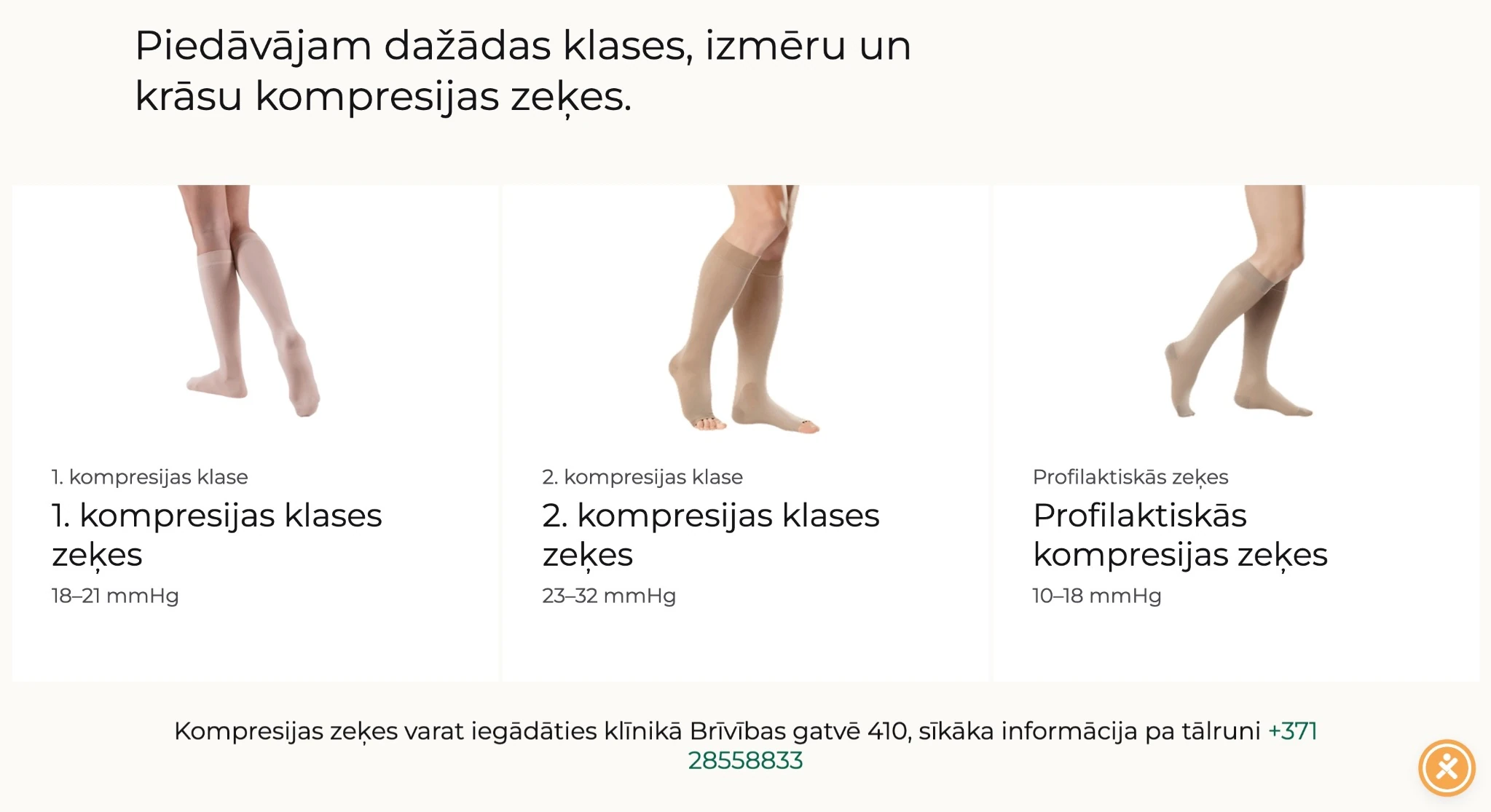
Compression stockings section 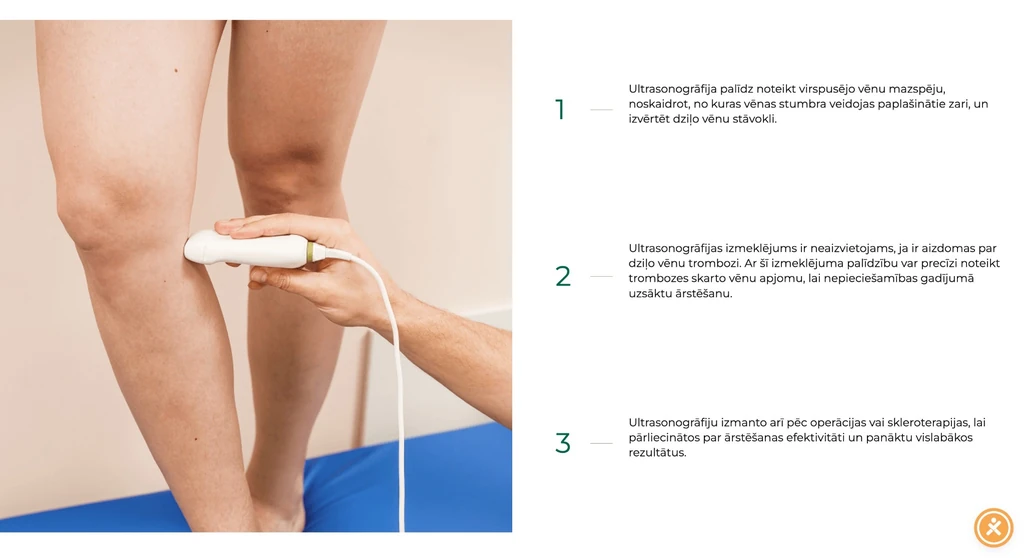 — enlarge image
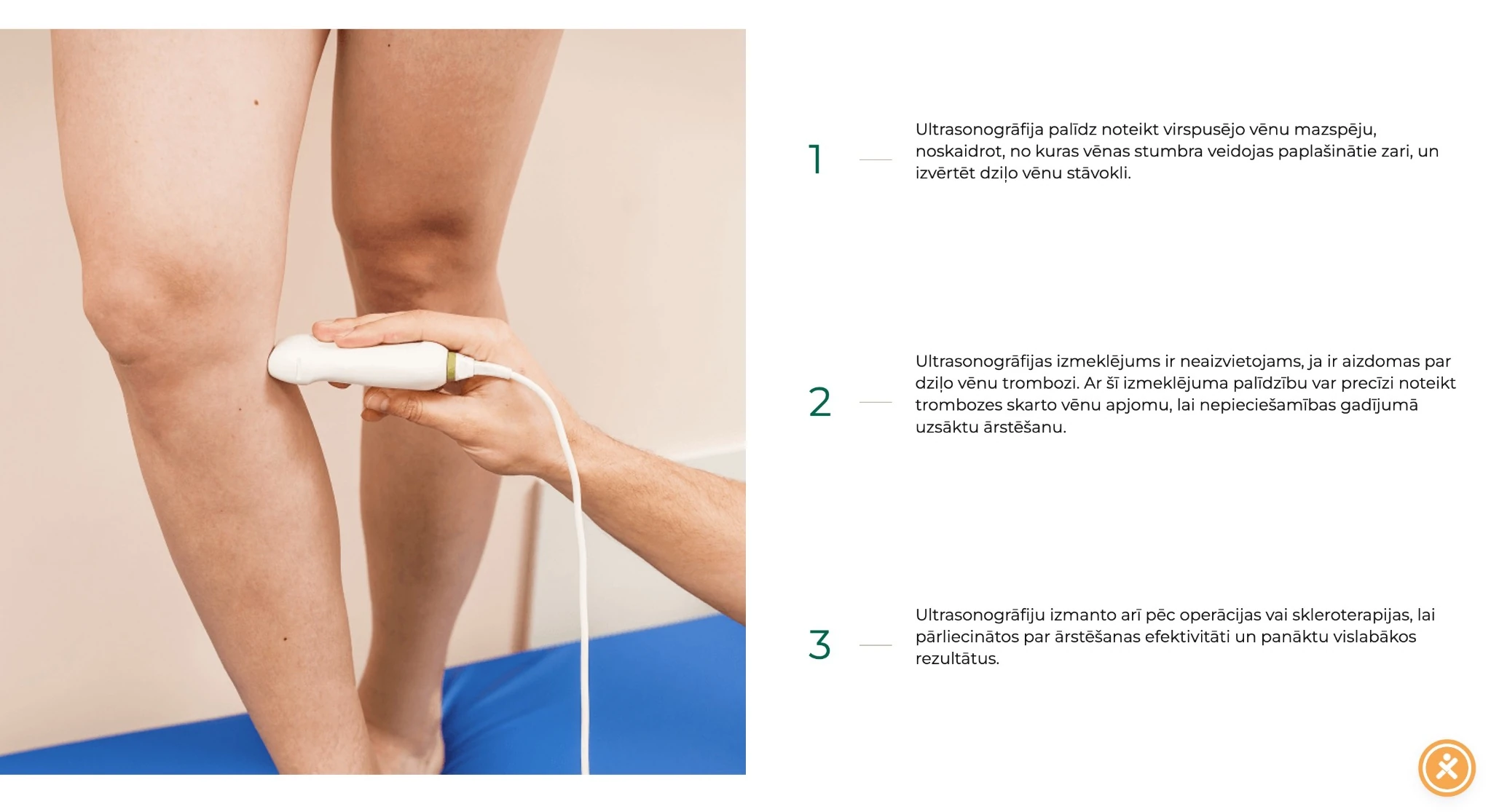
Procedure description layout 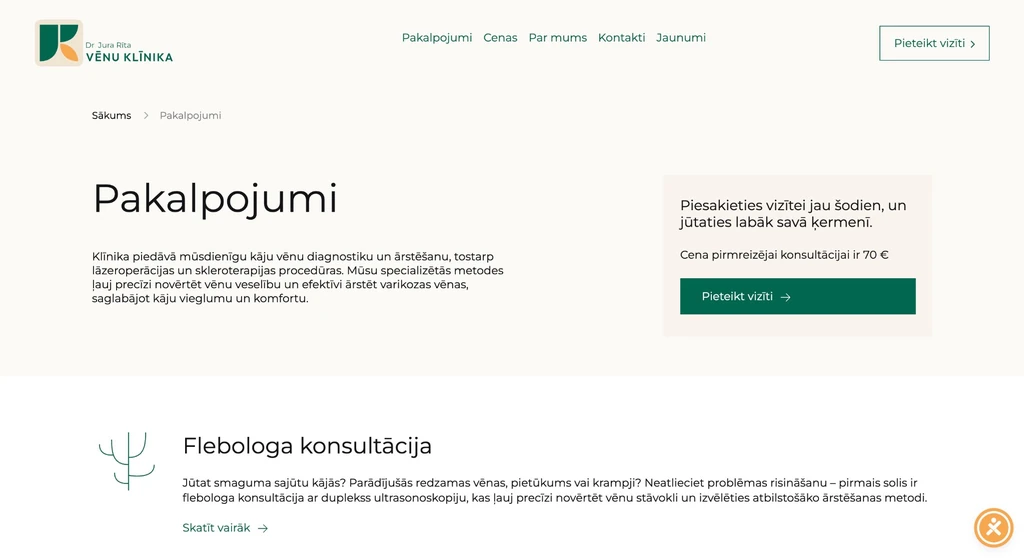 — enlarge image
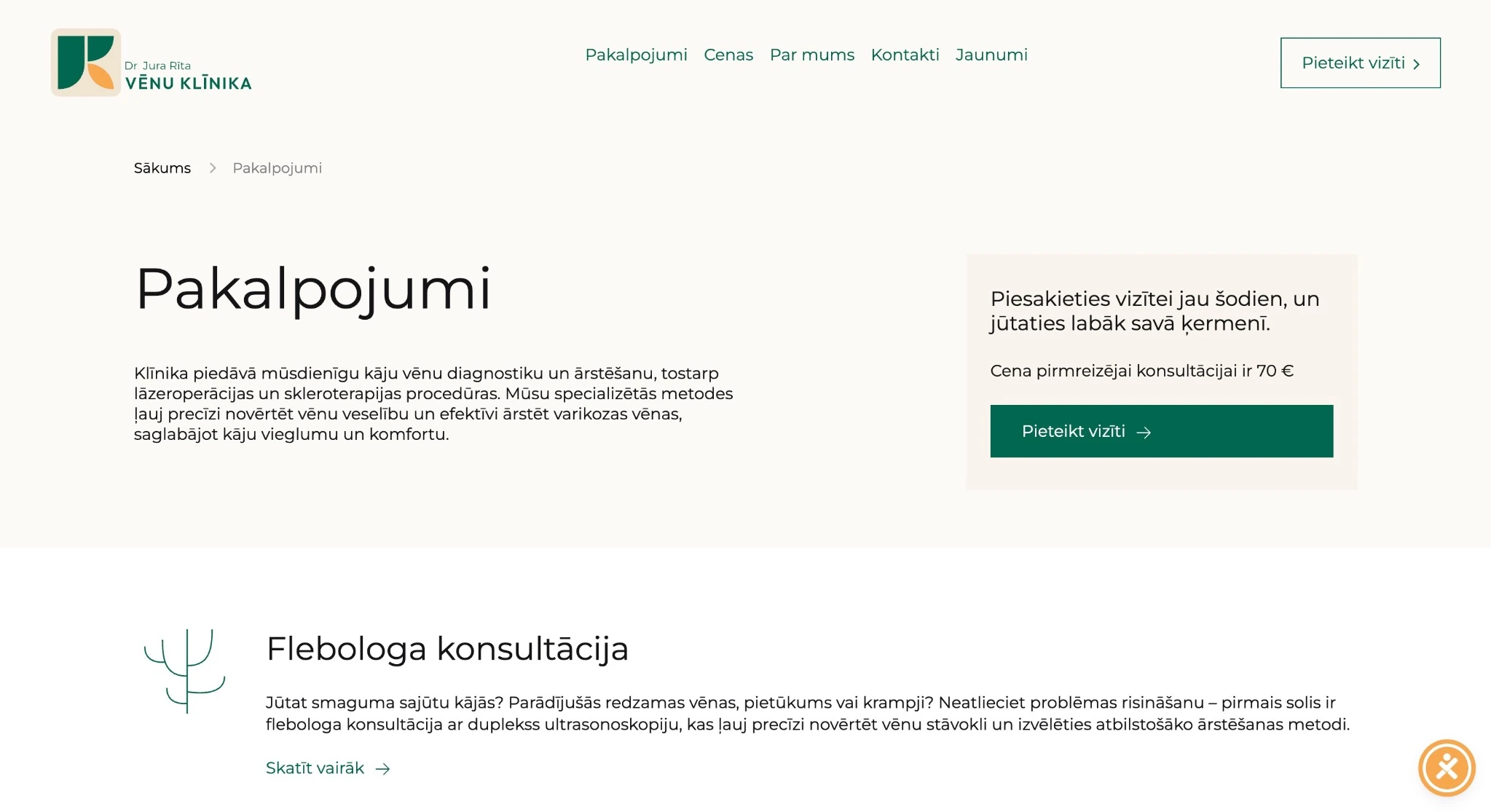
Services page 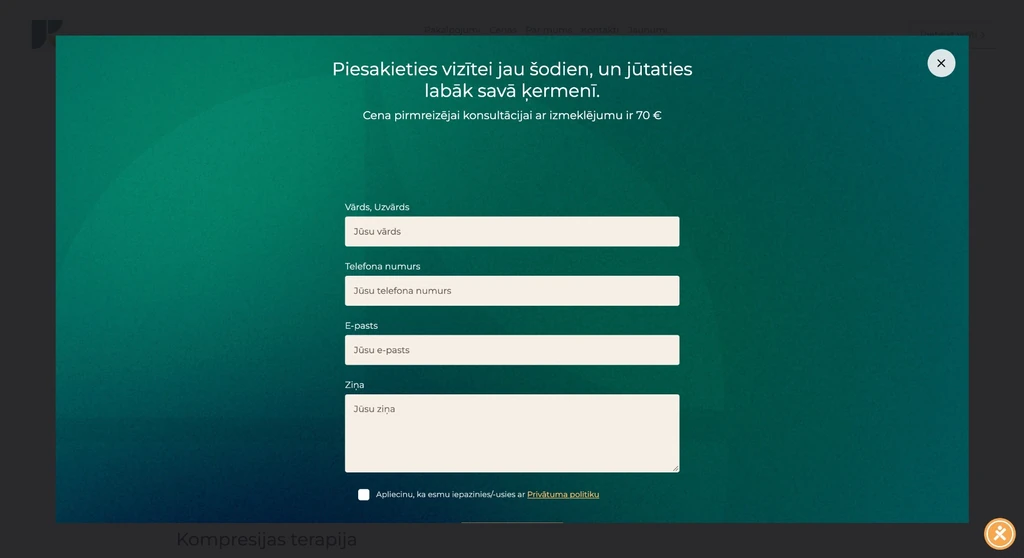 — enlarge image
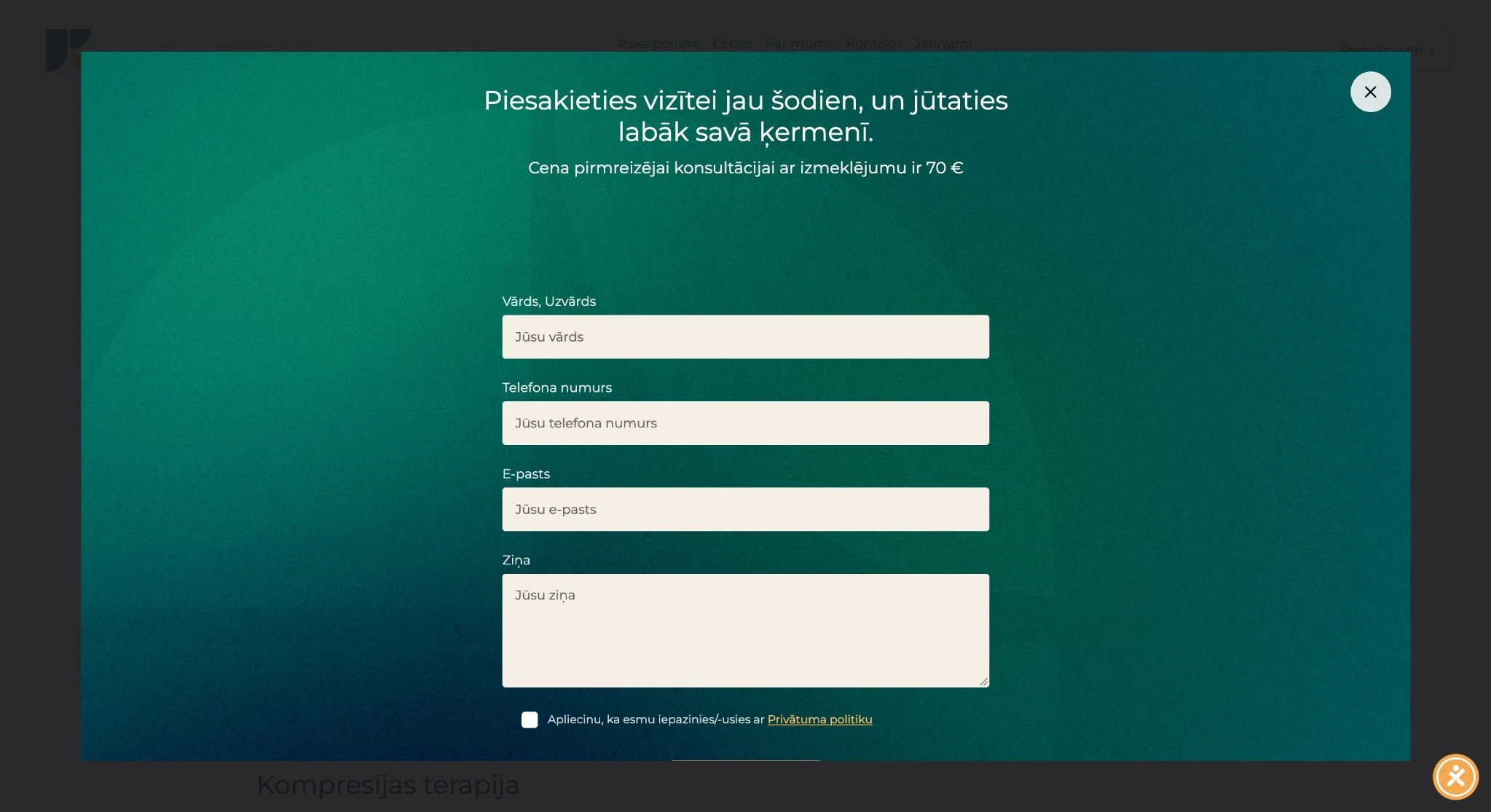
Booking form 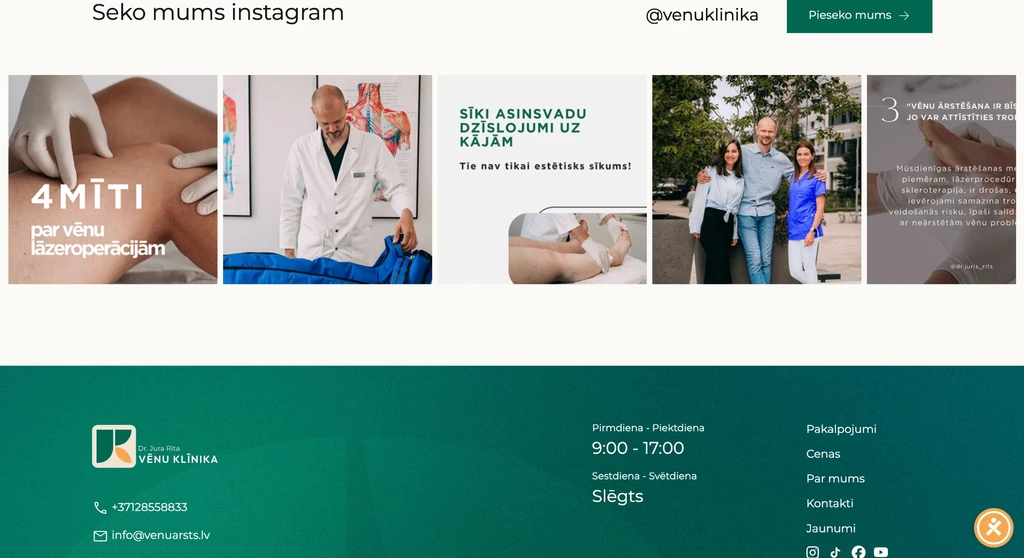 — enlarge image
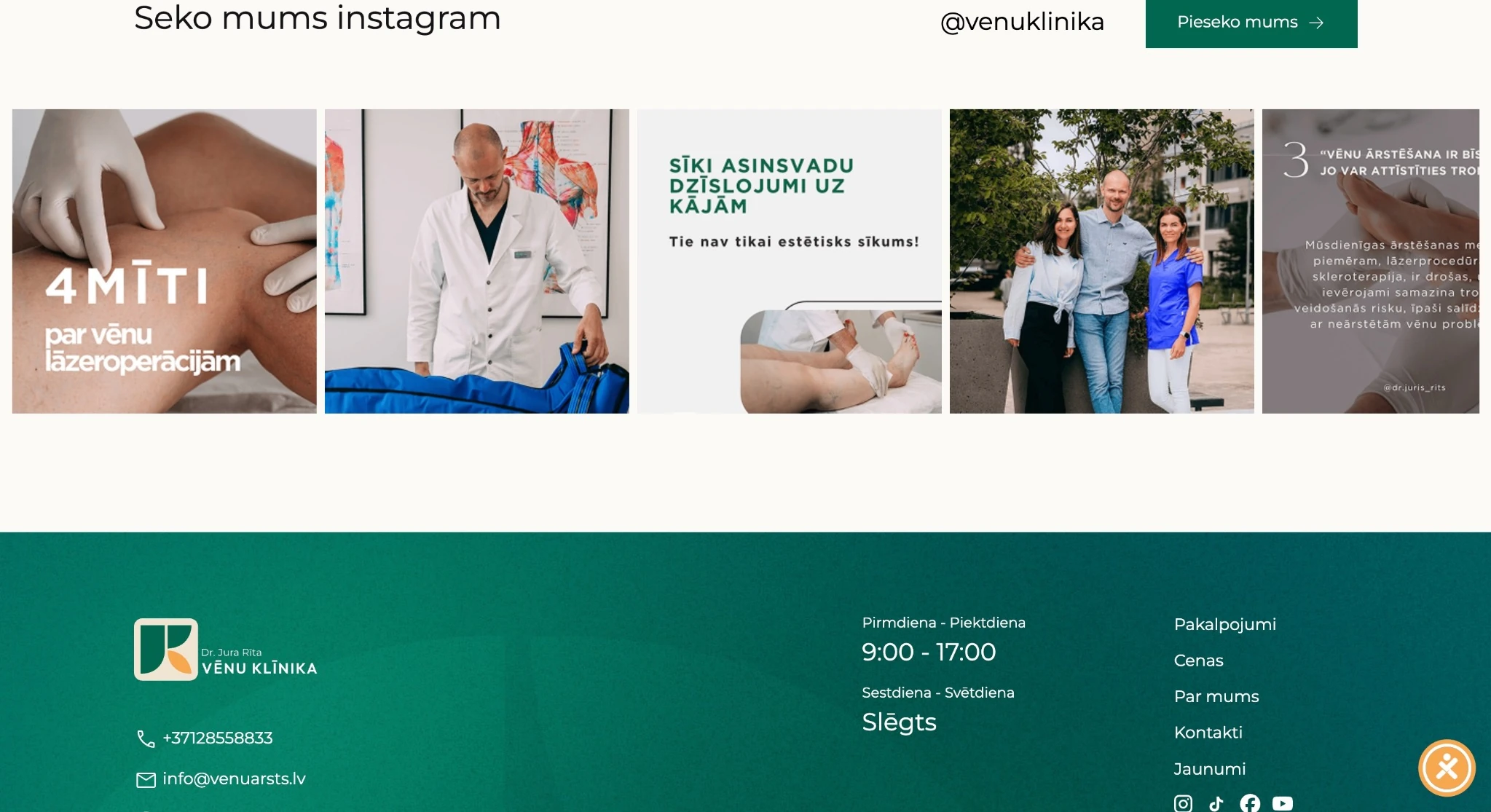
Instagram section and footer 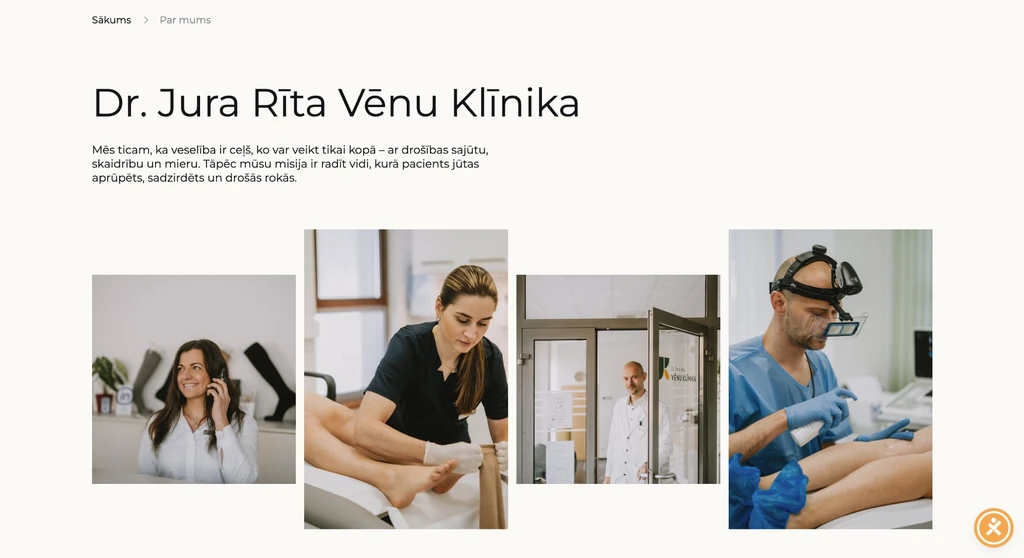 — enlarge image
Clinic presentation
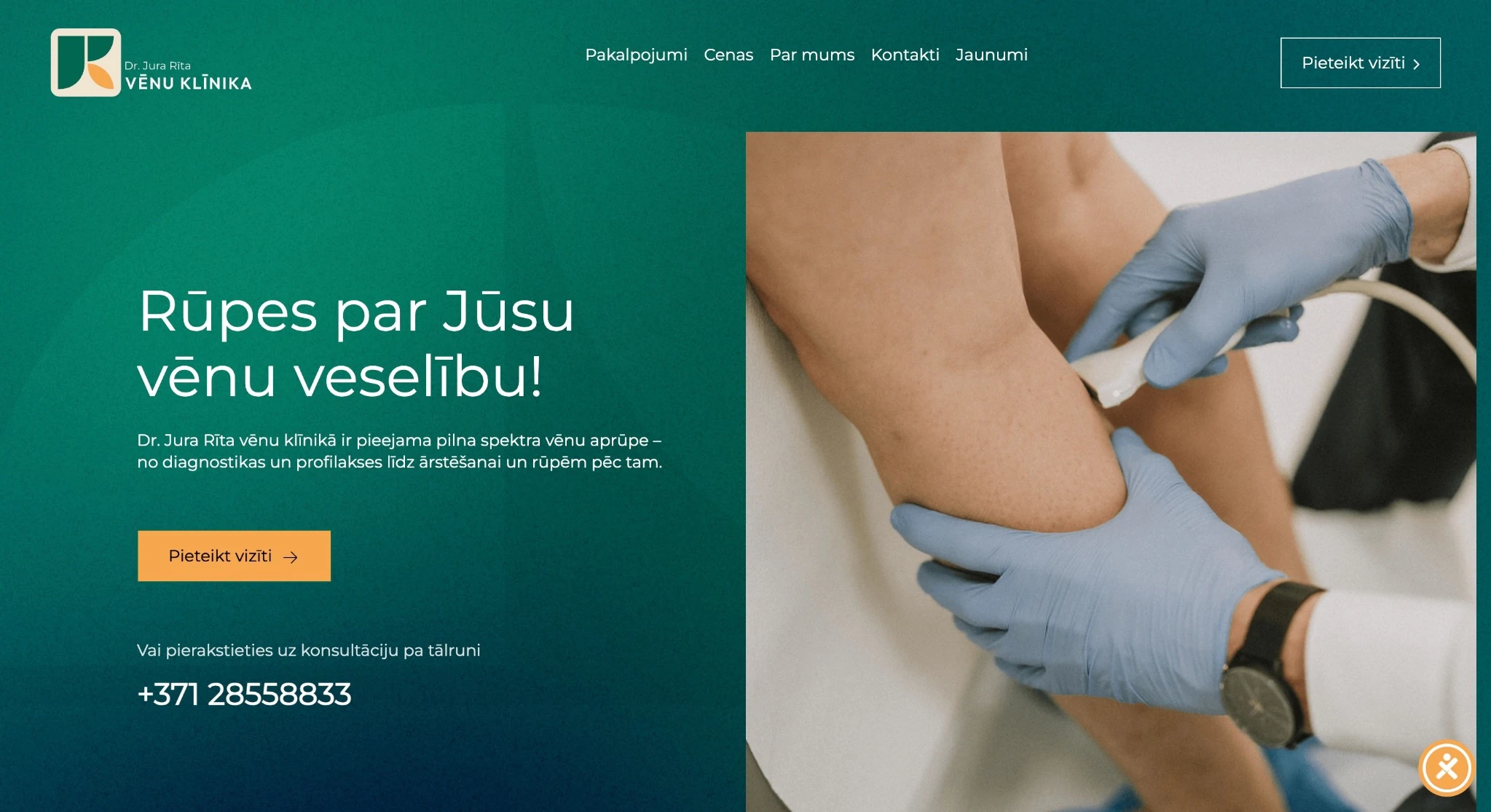
Booking an appointment
Patients can book an appointment from several places on the site: the booking button is on the home page, in the doctor’s presentation and on the services page, and the booking form opens in a separate window on a green background. Patients do not have to go back to the home page or look for contacts — they can book right where they are reading about the doctor or a service. The form has fields for first name and surname, phone number, email and a message, as well as a tick box confirming that the patient has read the privacy policy.
A submitted request is saved in the WordPress admin and sent by email at the same time. This way the request does not get lost among other emails, and it can also be found in the site admin. The patient’s phone number and email give the clinic two ways to contact them after the request, while in the message field the patient can briefly describe their question. Because on a medical website patients may also mention health-related information in their message, the tick box confirming they have read the privacy policy is an essential part of the form.
Services, prices and consultations
The website has structured information about where the doctor sees patients, how home visits work and which services are provided. Services and prices are clearly presented, so patients can review them before getting in touch.
On the home page, services are summarised in cards, for example diagnostics, laser surgery and sclerotherapy. The services page has an introduction, a booking button and a description of the consultation, while procedure descriptions use a layout with an image and numbered points that breaks a longer text into short parts. The project views also show a cosmetology section with images of procedures and equipment.
Presenting the doctor
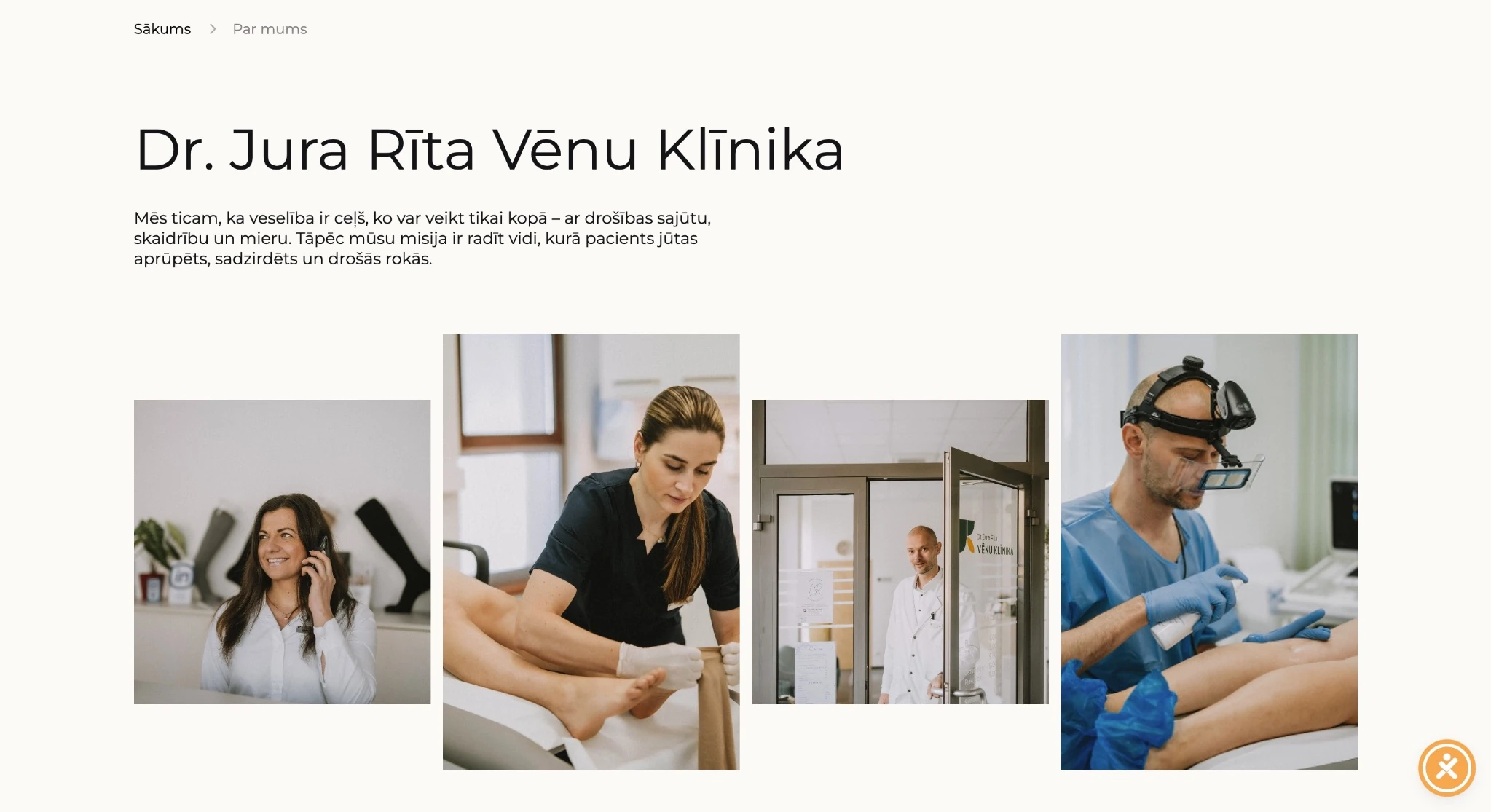
A separate section introduces Dr Juris Rīts — with a description, a gallery of photos of the specialists and a booking button. Before booking, patients can get to know the doctor they will be seeing.
The footer brings together contacts and opening hours, and above it there is an Instagram image strip. This way contact details and opening hours are visible at the end of every page, whichever section the patient is reading. The footer also has a menu with the Services, Prices, About us, Contacts and News sections and the credit “Made by CREATING.LV”.
The medical website from the patient’s point of view
A typical path through the site is short:
- on the home page, the patient finds what they need in the service cards, for example diagnostics;
- on the service page, they read the introduction, the consultation description and the procedure descriptions;
- they check the prices and where the doctor sees patients and whether a home visit is possible;
- they book an appointment with the booking button right there on the page.
Someone interested in compression stockings goes from the section with three classes to the product, the size chart and the measuring instructions. At present, the doctor uses the online store as a catalogue: products can be chosen on the site, but sales and handover take place on site.
Compression stockings online store
With WooCommerce, we built an online store for compression stockings and paid particular attention to practical information. Size charts and measuring instructions help with product sizes. In the compression stockings section, products are shown in three classes with images and descriptions.
Payment and delivery integrations prepared
The online store is prepared for connecting a payment service: it has integrations with Citadele Klix, Everypay, Stripe and MakeCommerce. The client chooses which one to use, and at present none of them is used for online payment.
Likewise, the system has ready delivery integrations with DPD, Omniva and Venipak, but the client has currently chosen to hand over products on site only. If the doctor decides to start selling online, the store does not have to be rebuilt — a payment and delivery method just has to be chosen from those already prepared. We wrote more about payment solutions in the article The most popular WooCommerce payment integrations in Latvia.
What the client changes themselves
The client edits the services and store content themselves in WordPress: they change service descriptions, add or edit products and update information about them. A new service or product can be published without a developer’s help. Because the informational part and the online store are on one WordPress site, service and product content is edited in one admin rather than in two separate systems.
Design and use on a phone
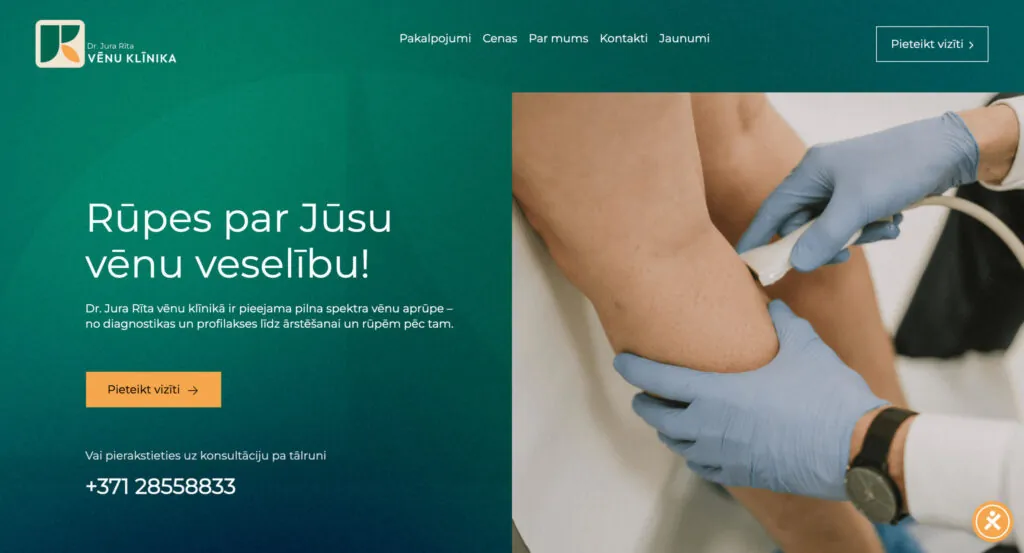
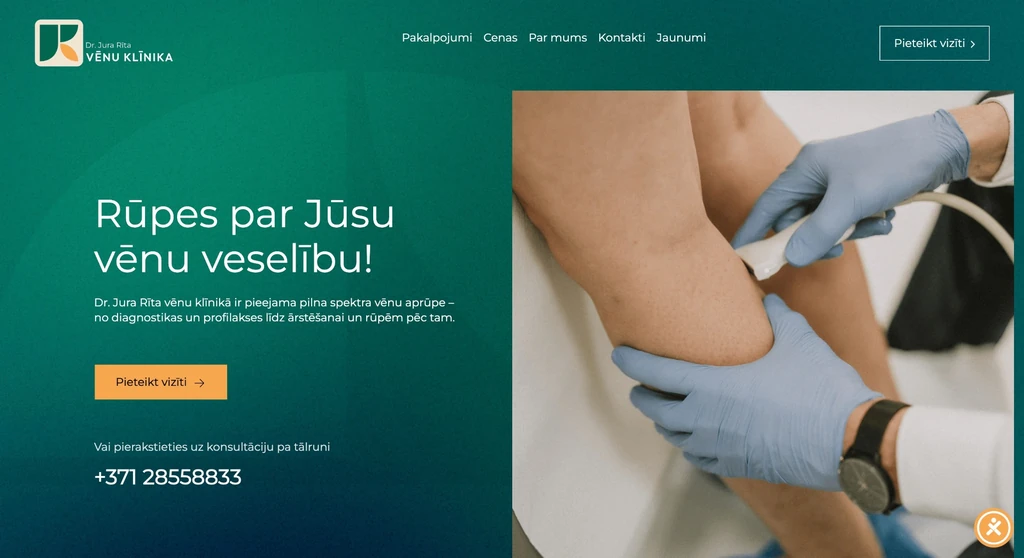
The custom web design was created for the medical field. The home page has an image of an examination and a booking button. The layout separates information from actions: the booking buttons and form are highlighted, while service descriptions are organised in cards and numbered points. The design and structure were created so that the medical website is easy to use on both desktop and mobile devices.
Technologies
WordPress and WooCommerce; payment integrations with Citadele Klix, Everypay, Stripe and MakeCommerce and delivery integrations with DPD, Omniva and Venipak prepared.
WooCommerce is a WordPress extension, so the online store uses the same design, menu and content management as the rest of the website.
Who this solution suits
A vein clinic website like this also suits other medical practices and clinics that need service and price information, appointment booking and a catalogue of service-related products, such as compression stockings, on one site. For a practice, it is important to show clearly where and how to book, and to place the booking option right where the patient is reading about the service.
If products are for now sold only on site, a medical website can use the online store as a catalogue and switch on online payment and delivery later. What web design and usability involve is explained on the page web design and UX/UI.
Services we used
Website
Note
This portfolio entry reflects the solution as delivered at handover. The current website may have changed.