
Contents
The brief: a website for a car workshop
CREATING.LV built a new WordPress website for the car workshop 4mann, which has several locations. This car workshop website brings together service descriptions, galleries, a map with the workshop locations and a custom booking form. The project was handed over in 2022.
The owner needed a portfolio-type website that presents the car workshop’s services and lets customers book a visit. A portfolio-type car workshop website means that the main space on it is given to showing the workshop’s work — service descriptions and galleries — rather than, for example, selling products. The request had to include what staff need in order to prepare for the visit: the workshop location, the preferred time and the work to be done.
Our role
We built the website from scratch on WordPress. It has:
- detailed service descriptions with the workshop’s specialisation;
- galleries of the workshop’s everyday work and facilities;
- an integrated Google Maps map with the workshop locations;
- a contact form for general questions;
- a custom booking form for workshop visits.
The content can be managed in the WordPress admin, and the site is responsive.
Project views
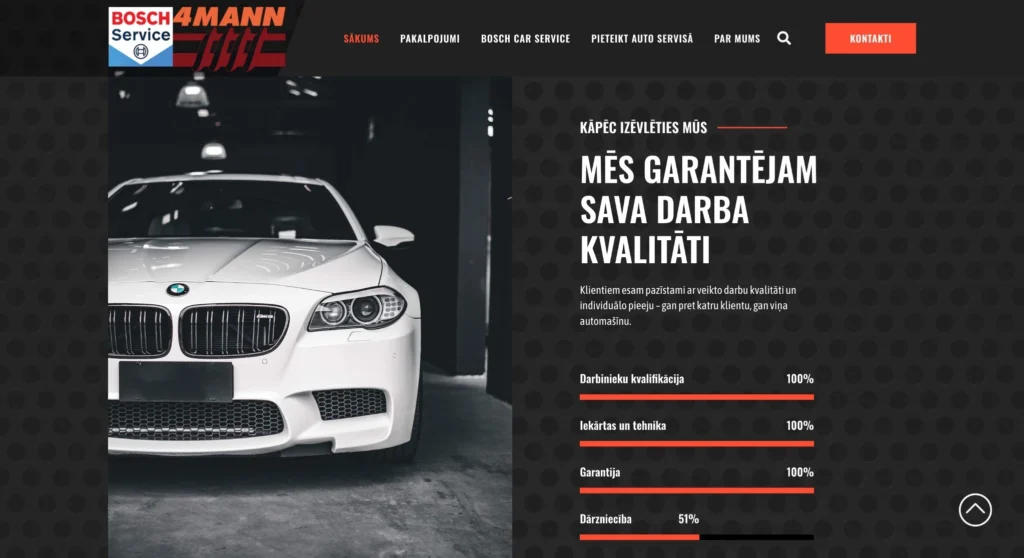 — enlarge image
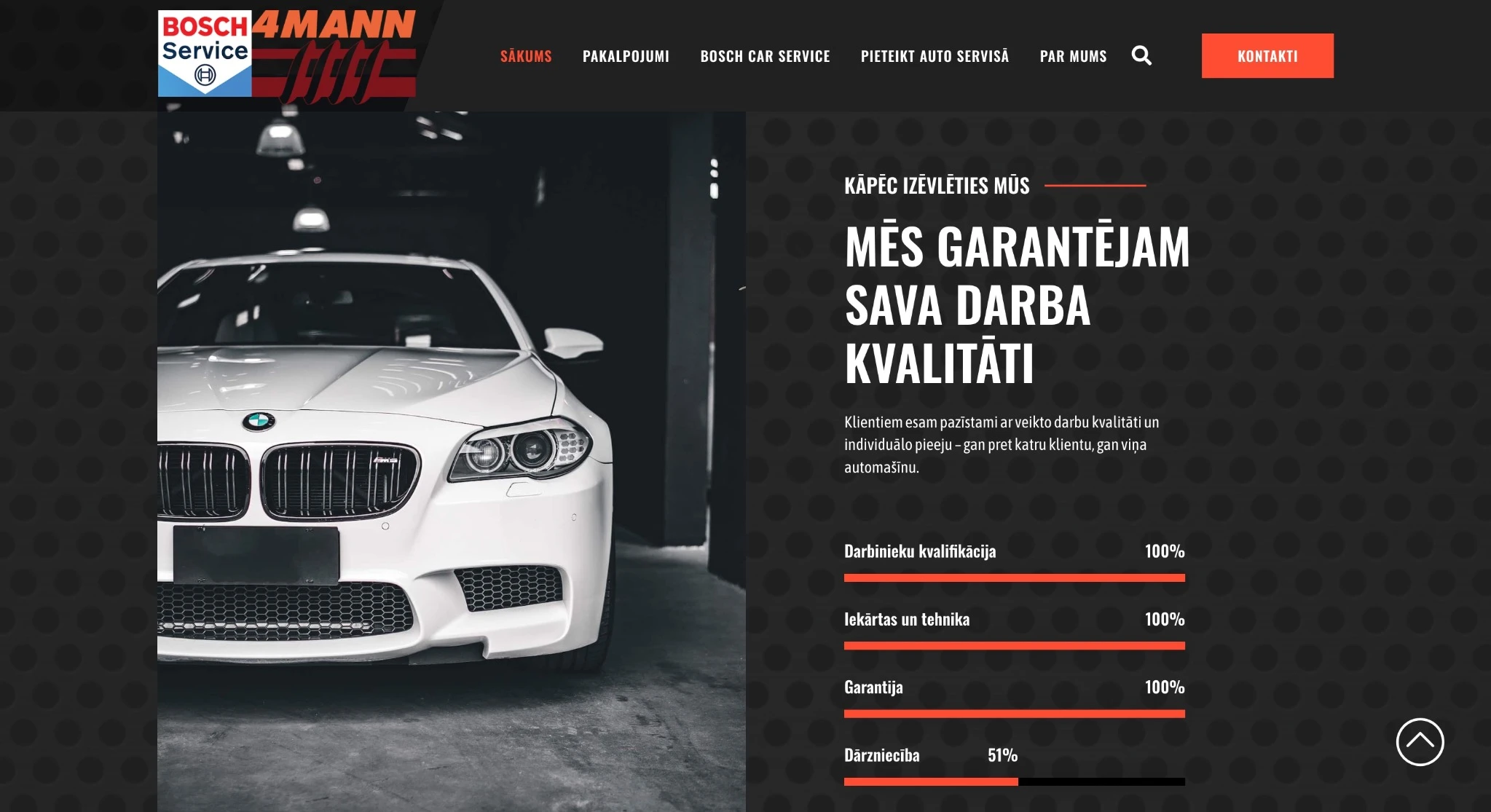
Workshop advantages section 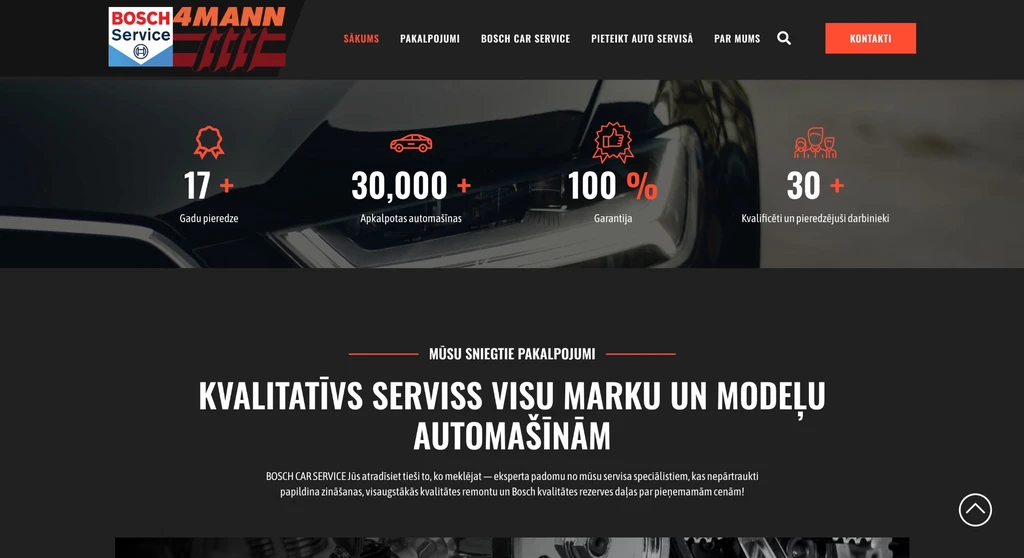 — enlarge image
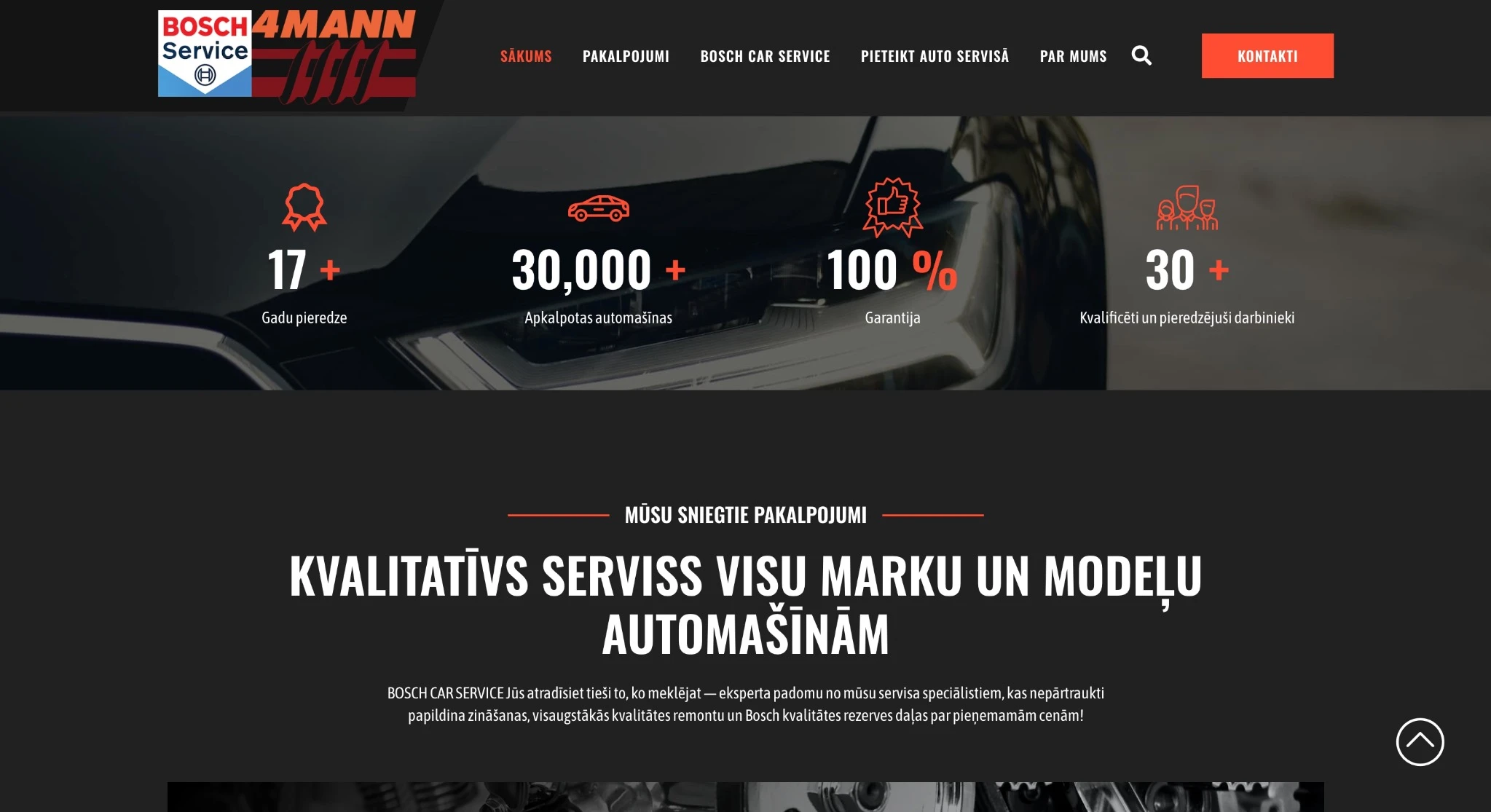
Services introduction 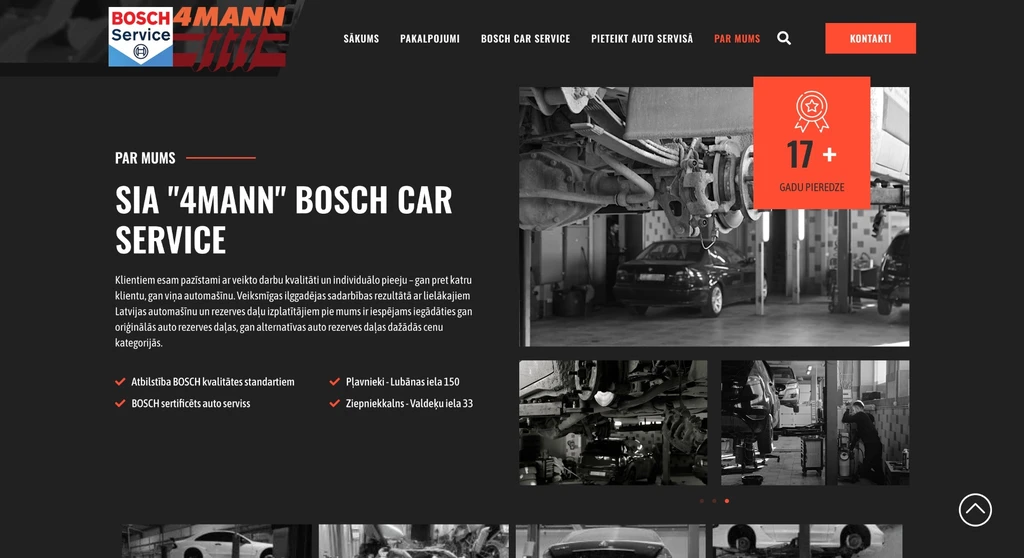 — enlarge image
About the company 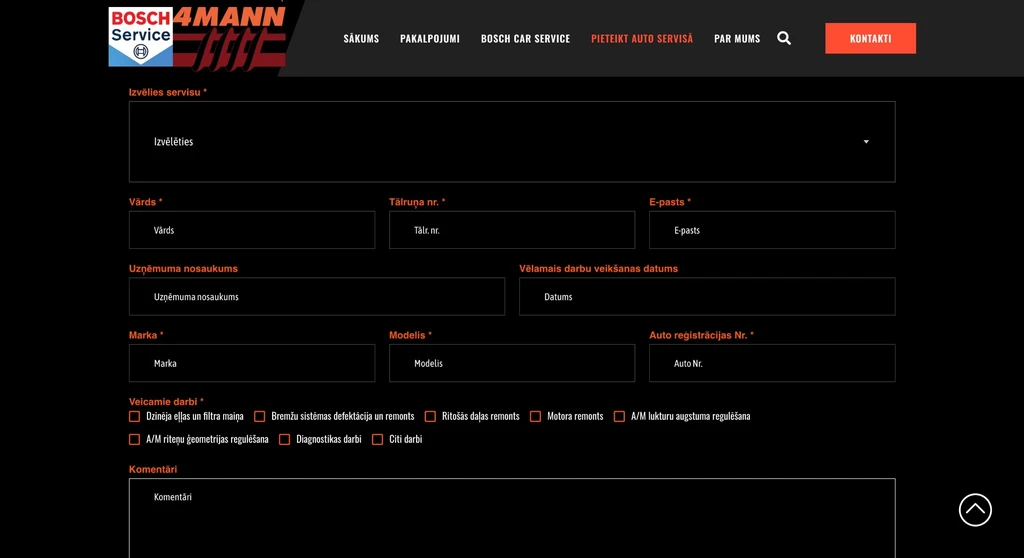 — enlarge image
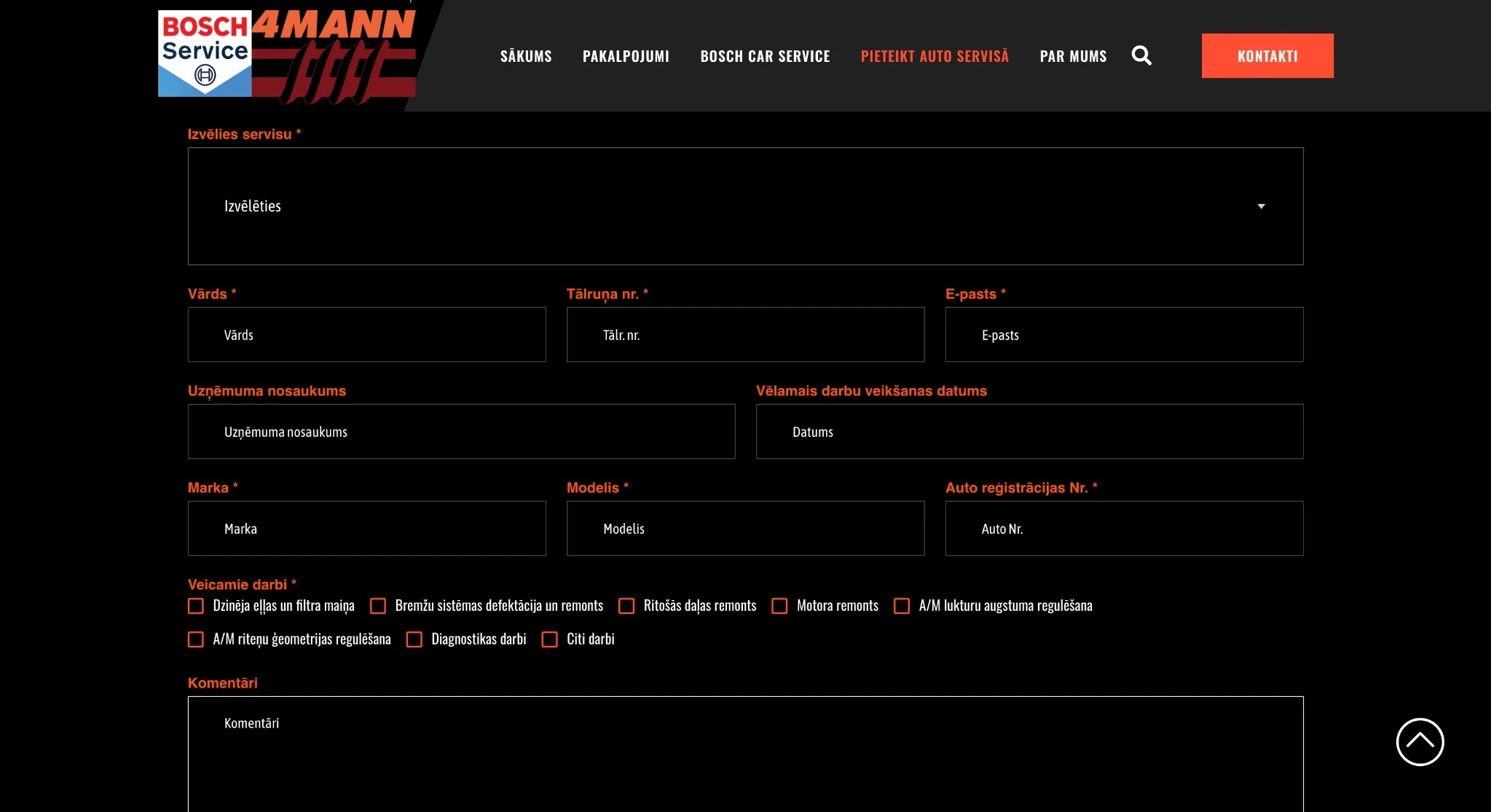
Car workshop booking form 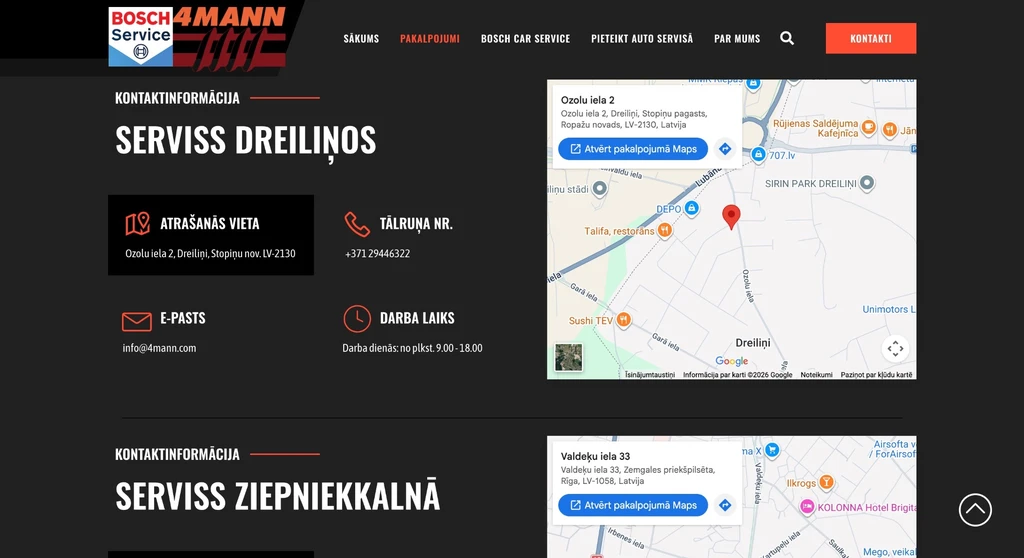 — enlarge image
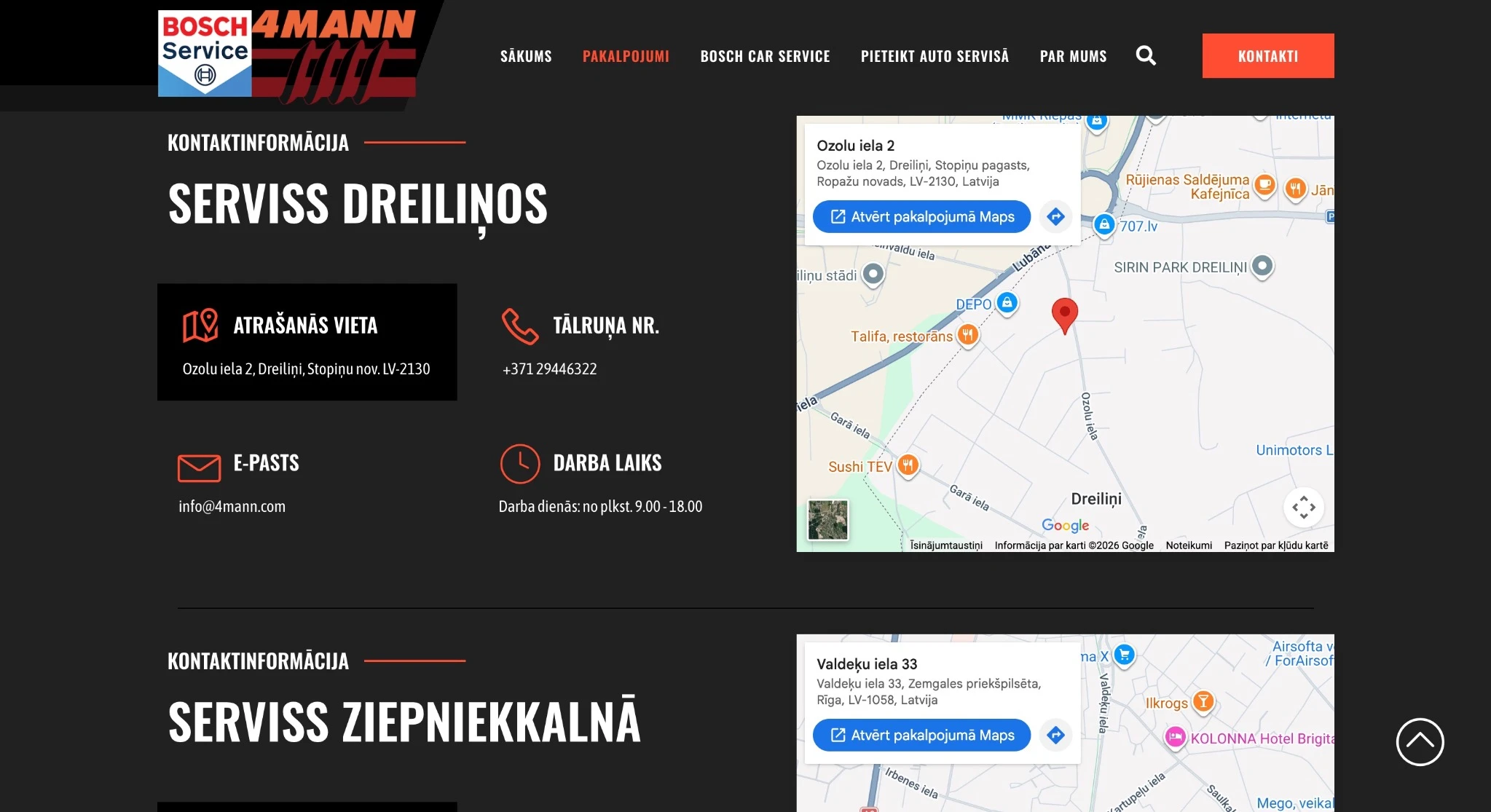
Workshop contact information 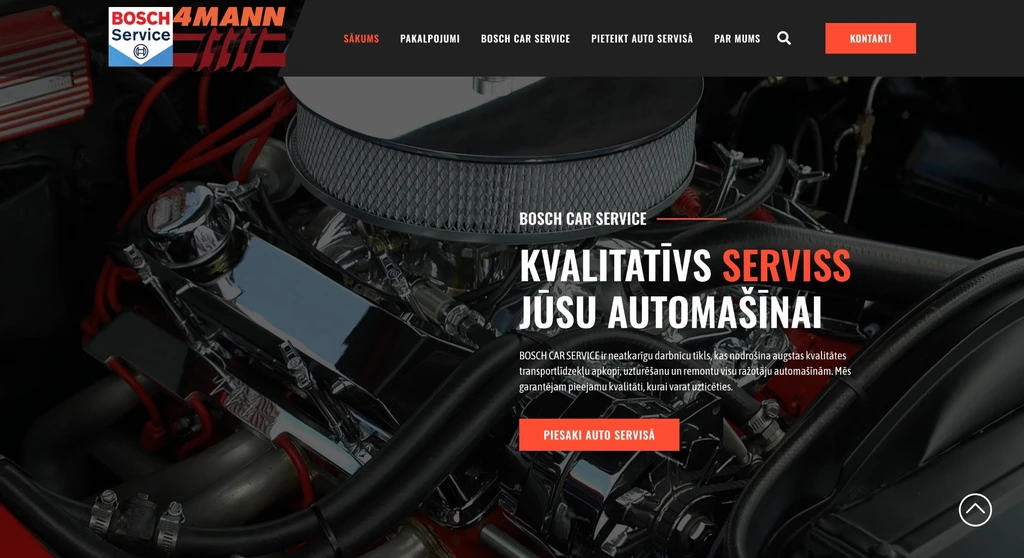 — enlarge image
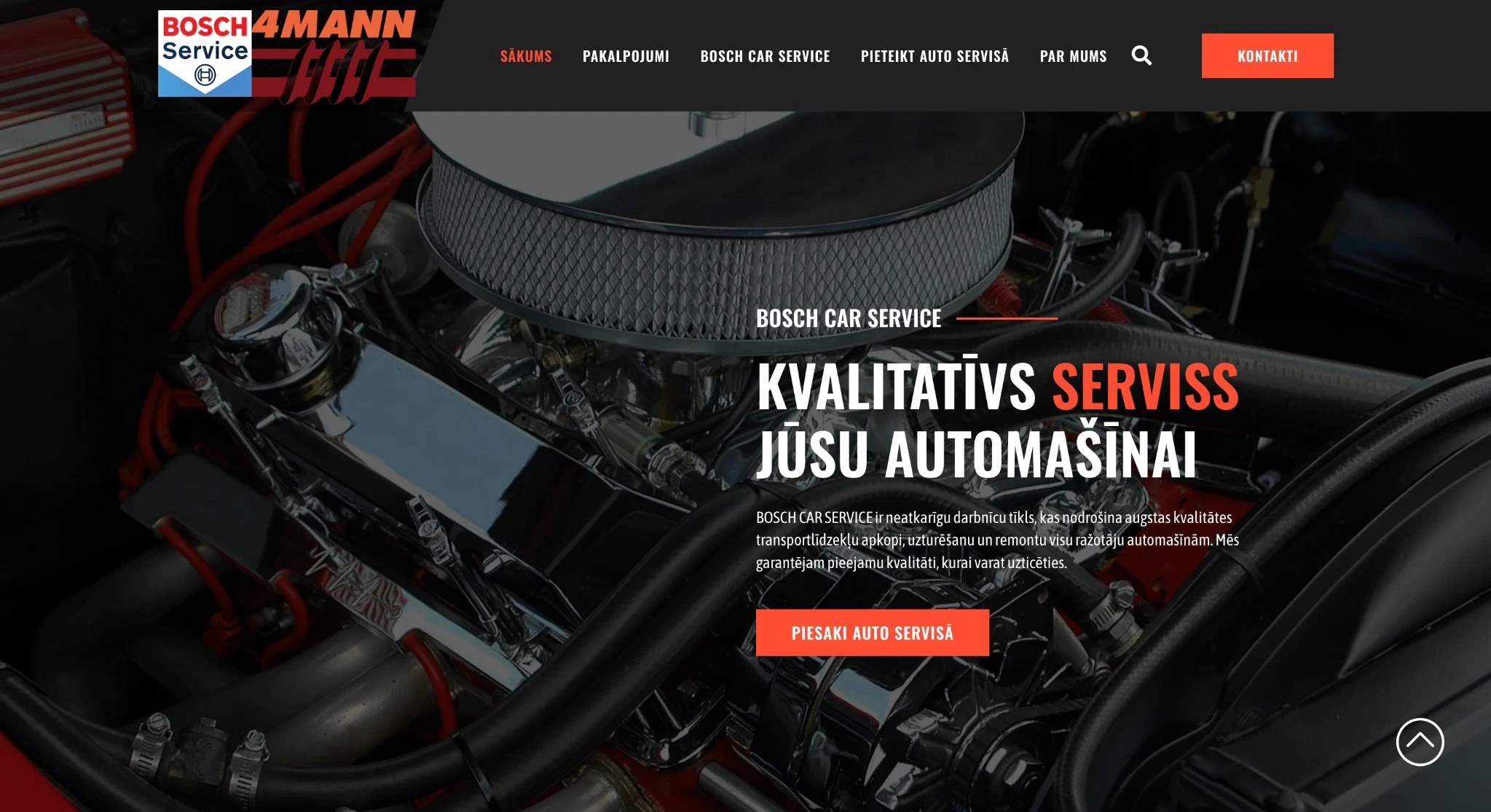
Home page
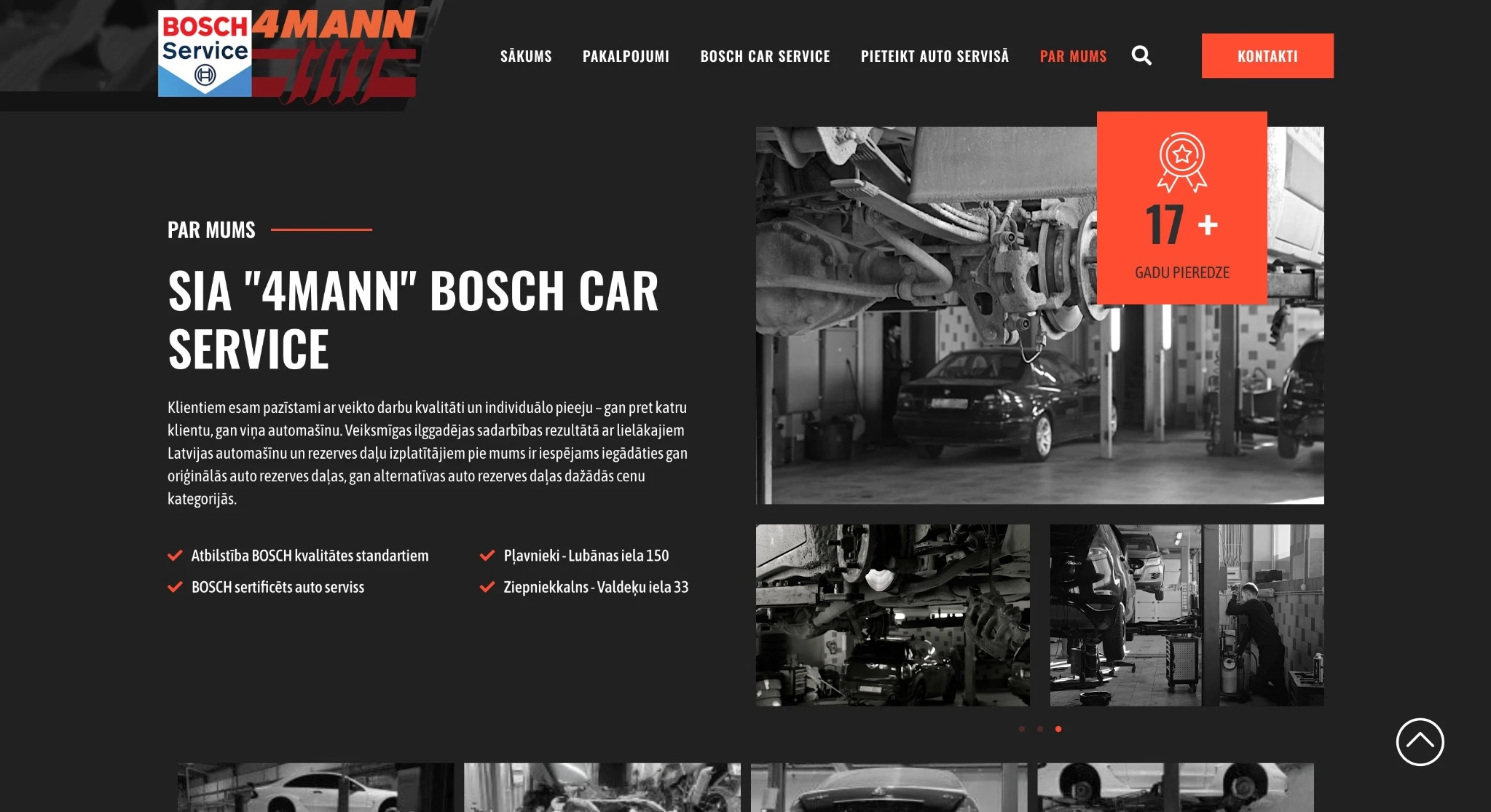
A booking form for the workshop
The most important part of the solution is the custom booking form. In it, the customer chooses the workshop location and the preferred visit time and states the work to be done or describes what is happening with the car. Both options are needed, because customers do not always know what repair is needed: one books a specific job, such as a brake system check, while another can only describe what they noticed while driving.
The fields were chosen based on what the workshop needs to know before the visit. The form is designed so that staff see the chosen location, preferred time and work description in the request itself and can prepare for the visit.
In a general contact form, customers write in free text and decide for themselves what to include. Separate fields for the location, time and work are there so that this information is in the request from the start and does not have to be clarified in a separate conversation.
The booking form has its own main menu section, “Pieteikt auto servisā” (Book your car in), and the home page introduction has a “Piesaki auto servisā” (Book your car in) button. This way the form can be opened both from the menu and from the very first screen, without going through other pages. The menu section is also useful if a visitor has first read the service descriptions and decided to book later, while already on another page.
Where the requests go
Each request is saved in the WordPress system and sent by email at the same time. The email notification lets staff find out about a new request without opening the admin. In the WordPress system, requests are kept in one place, so they can be revisited later, for example to check which location, time and work the customer specified.
The two ways of receiving requests complement each other: email is a quick notification, while the list in the admin is kept even if the email gets lost or is deleted.
Because requests with the information customers provide are stored in the WordPress system, when planning a similar form you also need to decide who has access to the requests in the admin and how long they are kept.
Service descriptions
The website has detailed descriptions of the car workshop’s services with its specialisation. They are there so that visitors can understand before booking whether the workshop does the work they need.
In the screenshot of the project’s home page, the services block highlights four areas: engine repair, electrical diagnostics, chassis repair and the brake system. Each has an image and a short description, and below the block there is a link to the full list of services, which is also available in the main menu section “Pakalpojumi” (Services). This way visitors immediately see the highlighted service areas, while the full list of services does not overload the home page and is available in one click.
Galleries and a map with the workshop locations
The galleries show the workshop’s everyday work and facilities, so customers can see what the workshop looks like before their visit. They complement the service descriptions: the text says what the workshop does, while the photos show where and how the work is done.
The integrated Google Maps map shows the workshop locations. The map is built into the website itself, so the locations can be viewed without going to another site. For a workshop with several locations, it is there so that customers can find the location most convenient for them.
Contacts on the home page
The general contact form is at the bottom of the home page. It has fields for name, email, phone and message, and next to the form are the workshops’ addresses, phone numbers and opening hours. The opening hours show when the workshop can be called. The menu also has search and a separate “Kontakti” (Contacts) button. Search lets visitors find the service description they need by keyword, for example by entering the name of a job, without browsing the whole list.
This way a visitor who does not need a workshop visit but has a question can write or call without filling in the booking form.
Content management and use on a phone
The website is built on WordPress, so the service descriptions and galleries can be updated in the WordPress admin without code changes. The description text is edited in the WordPress editor, while new photos for the galleries are uploaded to the media library. More about this — on the page WordPress website development.
The 4mann website is a responsive site. This means the same page adapts its layout to the screen width, so the service descriptions, the map and the booking form can be used on both desktop and mobile devices.
Who this kind of car workshop website suits
A car workshop website with a booking form like this suits a service business that needs to know before the visit when the customer wants to come and what work needs to be done — a car workshop, a tyre service or another appointment-based service. If there are several locations, a location choice can be added to the form and a map to the website, as on the 4mann website. If the workshop works from one location, a booking form for a car workshop can do without the location choice, while the time and work fields remain just as useful.
For another booking solution, in which a separate booking system is integrated into the website, see the project Troks Detailing — a website with a booking calendar. More about website development for businesses on the page Website development.
Services we used
Website
Note
This portfolio entry reflects the solution as delivered at handover. The current website may have changed.